
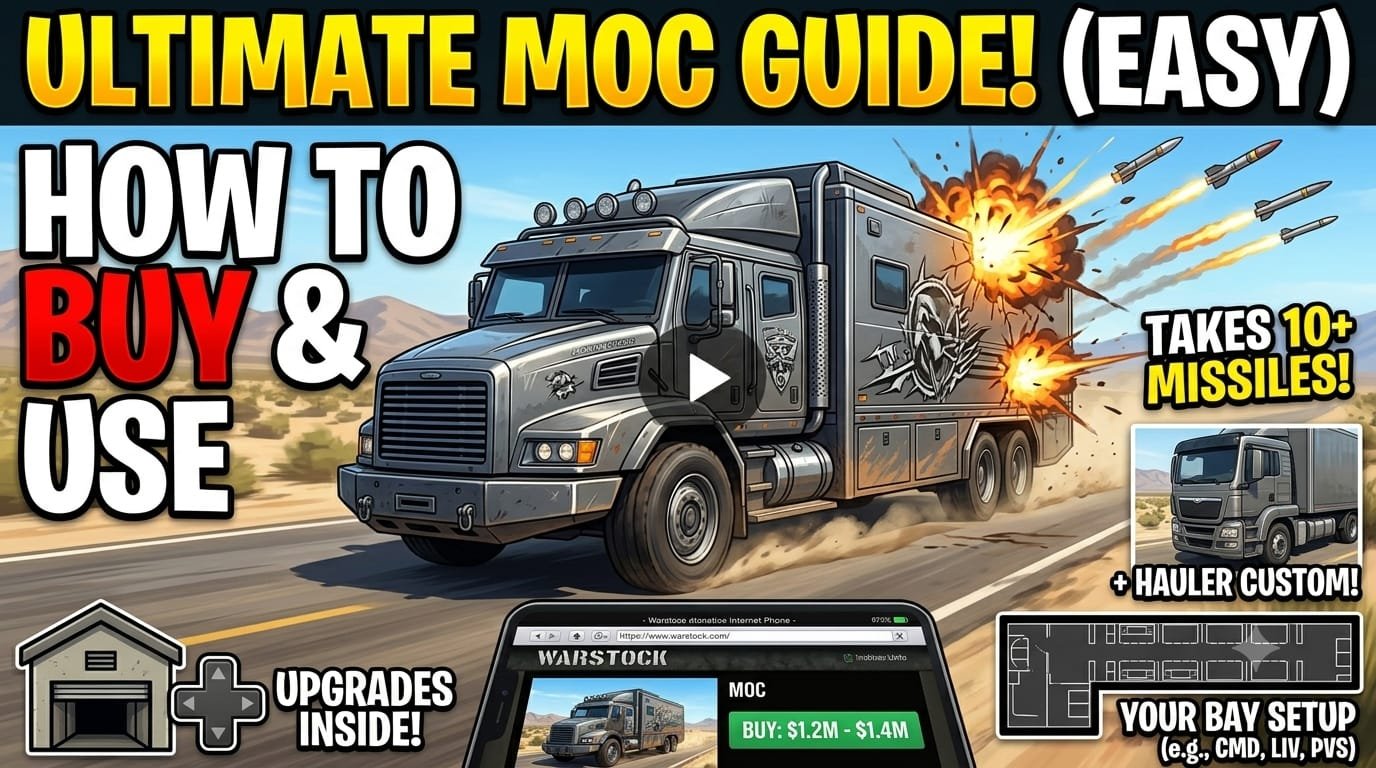
GTA 5 Mobile Operation Centre Guide – How to Buy and Use the MOC
Intro
In this article, we will show you:
- How to use the GTA 5 Mobile Operation Centre
- How to buy the GTA 5 Mobile Operation Centre
- Tips and tricks to get the most out of your GTA 5 Mobile Operation Centre
This guide is for beginners or anyone who wants to learn about the GTA 5 Mobile Operation Centre.
Getting and Upgrading Your GTA 5 Mobile Operation Centre
We have already bought a GTA 5 Mobile Operation Centre. You can pick up your MOC from your bunker. You will need a bunker before buying this vehicle if you want to get the most out of it.
Once you are in your bunker with your MOC, press Right on the D-Pad to customize it. You can add color, liveries, and performance upgrades. You should definitely upgrade your MOC in the bunker.
Armor and Defense
We have the Phantom Custom variant:
- It is not very armored at the front.
- The back can take up to 10 Buzzard missiles, so it is very tanky.
- It can take even more Mark II missiles.
- This makes it a popular choice for defending against Mark Two Oppressors.
How to Buy the GTA 5 Mobile Operation Centre
To buy an MOC:
- Press Up on the D-Pad to open your phone.
- Go to the Warstock Cache & Carry website.
- Select the Mobile Operation Center.
Prices
- Phantom Custom: Costs $1,225,000.
- Hauler Custom: Costs $1,400,000.
Paying the extra $200,000 for the Hauler variant is recommended. However, if you do not want to spend extra money, you can wait for a sale since you will not use this vehicle very often.
Customizing the Bays
You can buy different bays for your MOC. Each bay can be customized, so everyone’s MOC will look different.
In this article, we chose:
- Bay 1: Command Center
- Bay 2: Living Quarters
- Bay 3: Personal Vehicle Storage
The Personal Vehicle Storage lets you park a car inside (like an old Retro Elegy Custom), but it is kind of useless.




Thanks